All-in-One PowerShell Script to Manage Active Directory Contacts
Simplify Active Directory contact management using a PowerShell script with 10+ actions to create, update, delete, restore contacts, and more.
14 min read
O365Reports Content Team is a specialized group of domain experts across Microsoft Entra, Exchange, SharePoint, Teams, Intune, Active Directory and security. Their work focuses on administration, governance, and configuration guidance that reflects real environment conditions. This helps IT teams apply settings correctly and maintain consistent operational control.

Simplify Active Directory contact management using a PowerShell script with 10+ actions to create, update, delete, restore contacts, and more.
14 min read

Retrieve true last logon date and time for Active Directory users using PowerShell script, to identify inactive accounts and audit user activity.
8 min read

Learn different methods to restrict user access to Entra portal, reduce unnecessary directory exposure, and strengthen Microsoft 365 security.
7 min read

Discover how to restrict SharePoint site access using Microsoft 365 or security groups to prevent oversharing and unauthorized access.
9 min read

Block file downloads in SharePoint and OneDrive using Conditional Access, session policies, and PowerShell method to protect sensitive data .
8 min read

Discover how Microsoft Entra Registered Devices help secure BYOD access and learn methods to register and manage devices in Entra ID
10 min read

Learn to use disposition review in Microsoft Purview to review content before deletion and prevent accidental removal of important files.
9 min read

Learn how to audit PIM role activations in Microsoft Entra with PowerShell. Get detailed reports and automate privileged access monitoring.
7 min read

Export emails sent to external domains using PowerShell in Exchange Online. This step-by-step guide helps you trace outbound external emails.
7 min read

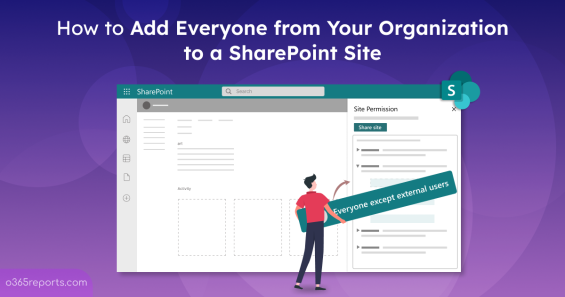
Learn how to add everyone to a SharePoint site in Microsoft 365, including communication and team sites, with step-by-step instructions.
6 min read