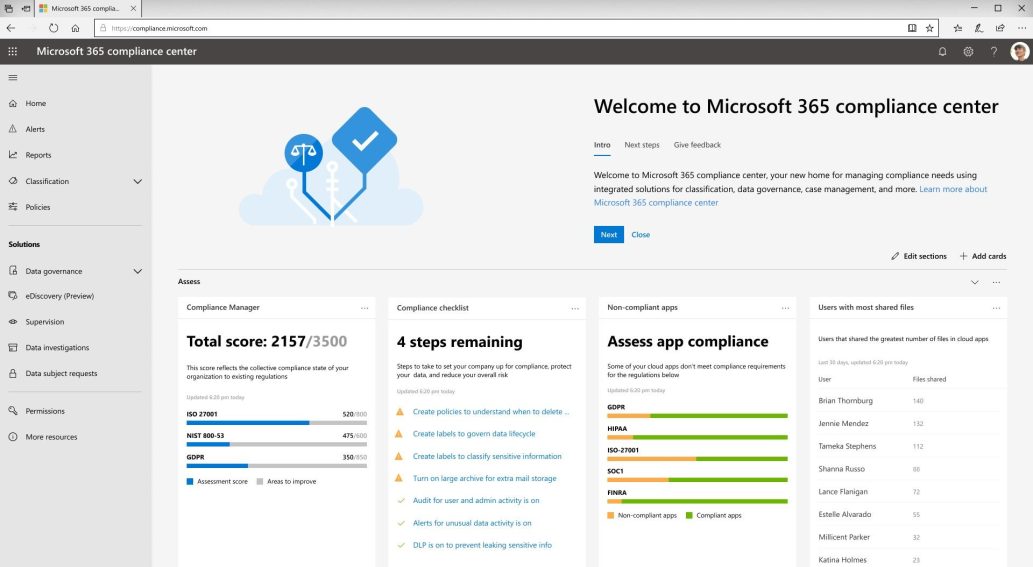
We all know that Microsoft has announced some new updates on features of Office 365 Security and Compliance center at Ignite. They started rolling out all the security and compliance solutions over the holidays. Most of them are in a preview state for testing. Some of us might not have heard about these new compliance solutions. So, we may face some difficulties in getting what we want. We can’t find some of those features in this updated Microsoft 365 compliance center because still, they are available only in the old Office 365 Security & Compliance Center. Here, I listed those features below.
- Alert policies
- Audit log search
- Service assurance
Alert Policies
The
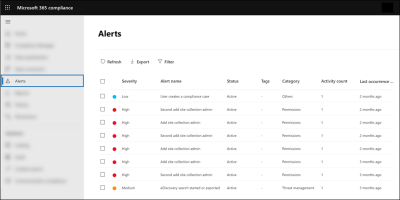
Alert policies in the Security and Compliance center contain some O365 default alert policies which generate an alert when the user performs any suspicious activity. It also identifies Exchange Admin permissions abuse and data governance risks. You can create and implement some custom alert policies in your organization.
Have you tried to create an alert policy in the new compliance center?
You can’t create an alert policy in the new Microsoft 365 Compliance center. Because in the updated Compliance center, Alert policy is not available.
Accessing Alert Policies in O365:
You can find the available alert policies in your organization in the Office 365 Security & Compliance center using the below URL.
https://protection.office.com/viewalerts
Audit Log Search
The Auditing and Reporting feature in the Security and Compliance center tracks the activities of users and administrators in your organization. For admins, the
audit log search page in Office 365 is one of the most important features in the tenant. Now, audit log search is not available in Microsoft 365 compliance center.
Accessing Audit Log Search in O365:
Since audit log search is not available in new compliance center, you will get the
Office 365 Audit log location in existing Security and Compliance center by using the below link.
https://protection.office.com/unifiedauditlog
Service Assurance
The Office 365 Service assurance feature is used to get reports and documents about the data protection of customers in Microsoft cloud services and the third-party audit reports of O365, etc. Now, you will not get this in the new 365 compliance center.
Accessing Service Assurance in O365:
Since the new compliance center didn’t have the service assurance feature, you will access this in office 365 Security & Compliance Center.
https://protection.office.com/serviceassurance/dashboard