What’s KnockKnock?
Researchers uncovered KnockKnock, an attack on Office 365 Exchange Online email accounts, originating from 16 countries around the world.
Who are all most affected?
KnockKnock targeted on automated corporate email accounts not tied to a human identity, which often lacked advanced security policies like no MFA and no recurring password reset.
Where are the attack originated from?
- Hackers used 63 networks and 83 IP addresses to conduct their attacks.
- Roughly 90 percent of the login attempts came from China, with additional attempts originating from Russia, Brazil, U.S., Argentina and 11 other countries.
Am I affected?
Maybe. You need to monitor failed login activities regularly to know whether you are under any security threat.
How to monitor failed login activities?
You can go to audit log option available in security & compliance center and search for failed login attempts. but it’s very difficult to search and find as O365 produce huge audit data.
Is there any easy way to monitor failed login attempts?
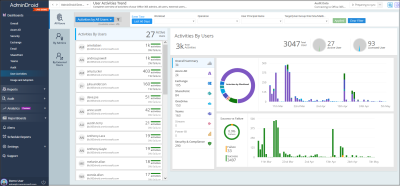
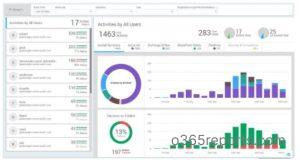
Yes, you can use AdminDroid Office 365 Reporter tool to monitor failed login attempts. The favorite view available under ‘User Activities Dashboard‘ will clearly show daily failed login activities with the top user details.
You can find the demo of the dashboard here.
KnockKnock research was conducted by SkyHigh.