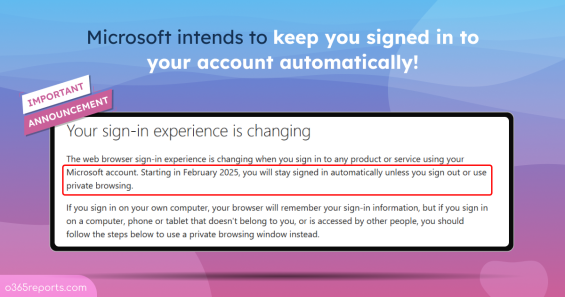
Microsoft Personal Accounts Will Now Stay Signed In Automatically
Microsoft will automatically keep you signed in to your account by default, unless you sign out or use private browsing
2 min read
Sudha is a Microsoft 365 solutions specialist focused on governance and identity access control across modern administrative environments. She breaks down complex governance and identity scenarios into structured instructions supported by examples and visuals, helping teams apply controls accurately. She also supports technical validation to reinforce implementation reliability.

Microsoft will automatically keep you signed in to your account by default, unless you sign out or use private browsing
2 min read

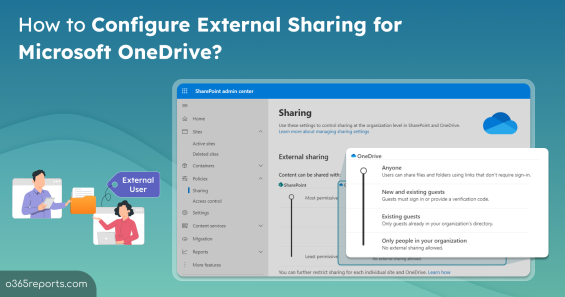
Learn to enable external sharing in Microsoft OneDrive to prevent sensitive data leakages in your organization.
4 min read

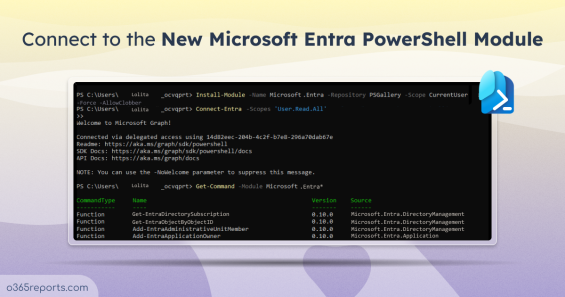
Connect to the Microsoft Entra PowerShell module, which is currently in public preview to help you migrate Azure AD PowerShell scripts easily
4 min read

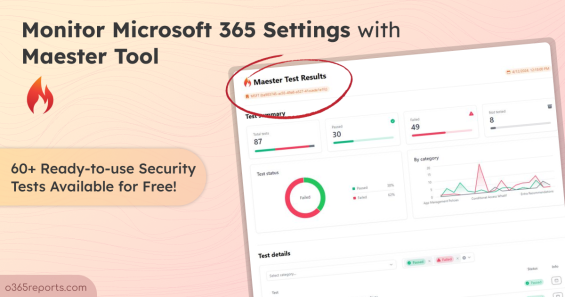
Use Maester to monitor Microsoft 365 security settings effectively by running security tests continuously.
5 min read

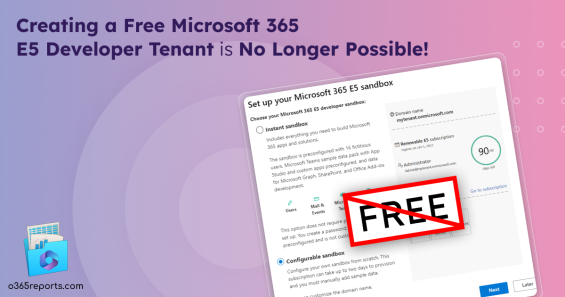
Microsoft limits only users with Visual Studio Enterprise subscription to create a free Microsoft E5 developer tenant.
3 min read

Manage Microsoft 365 settings using Microsoft365DSC, which helps you to automate, sync, assess, monitor & export Microsoft 365 settings.
7 min read

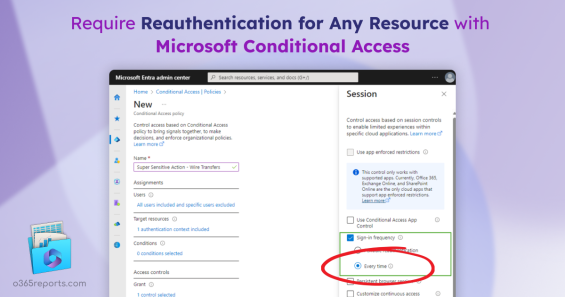
With Microsoft's new public preview update, you can prompt reauthentication on sensitive apps and high-risk actions using Conditional Access
4 min read

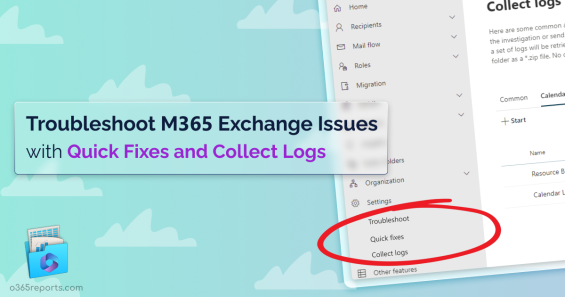
Microsoft introduced new troubleshooting options in MS Exchange admin center called Collect logs and Quick fixes for quick issue resolution
3 min read

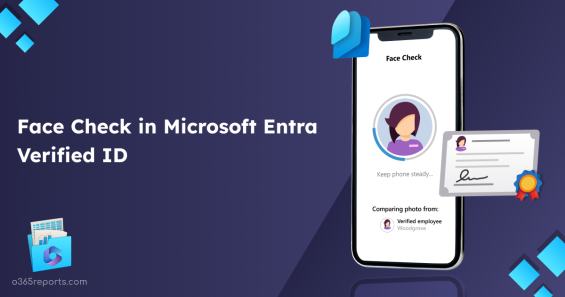
A new feature Face Check in Microsoft Entra Verified ID is currently in preview, which gives you high assurance identity verification.
5 min read

Security Copilot in Microsoft Entra admin center, the preview MS Ignite 2023 update, helps you identify sign-in risks in Entra ID
5 min read

Learn how Limited Access works in SharePoint Online and understand its best practices to prevent permission sprawl in the organization.
10 min read

Explore how the new unified external collaboration settings in Teams admin center simplifies administration and improves efficiency.
8 min read

Learn how web parts in SharePoint turn blank pages into info-rich, purpose-driven intranet workspaces for collaboration and productivity.
8 min read

Learn to use disposition review in Microsoft Purview to review content before deletion and prevent accidental removal of important files.
9 min read

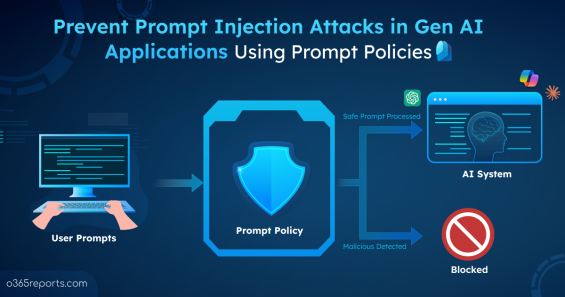
Learn how to prevent prompt injection attacks in Enterprise Gen AI apps using prompt policy in Microsoft 365.
9 min read

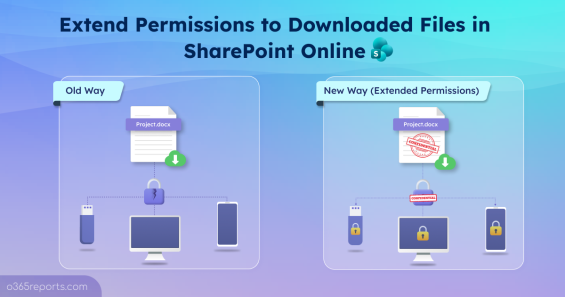
Learn how Extended SharePoint Permissions work with default sensitivity labels to keep your files secure even after download.
8 min read

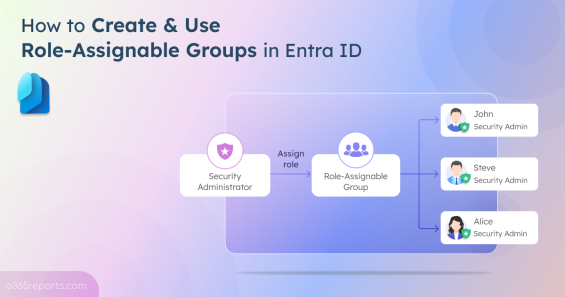
Learn how to create, manage, and secure role-assignable groups in Entra ID to streamline privileged access and strengthen your security posture.
6 min read

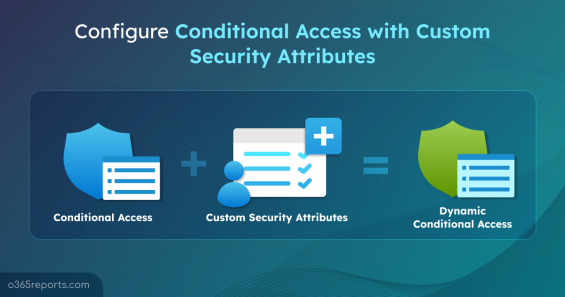
Implement Conditional Access using custom security attributes to streamline app protection and apply policies dynamically in Entra ID.
5 min read

Remove custom domains from your Microsoft 365 tenant to prevent misdirected emails and maintain a well-organized collaboration.
8 min read

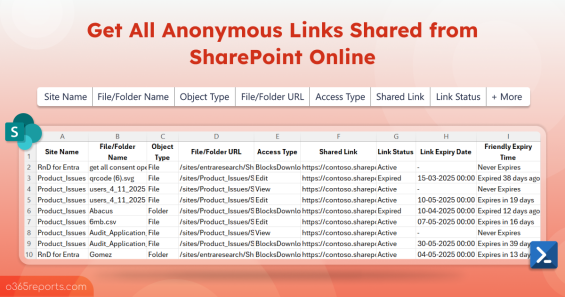
Learn how to get all anonymous links shared in SharePoint Online using PowerShell to identify any sensitive data exposure.
8 min read